FlipHTML is some online software for creating a digital book which was recommended by a fellow student Liz. I’ve created the PDF in Lightroom, although there seems to be some issues with adding and deleting pages. It took me several attempts to get it right and I discovered that once I created the PDF it was easy enough to delete a page once I’d opened the PDF on my computer.
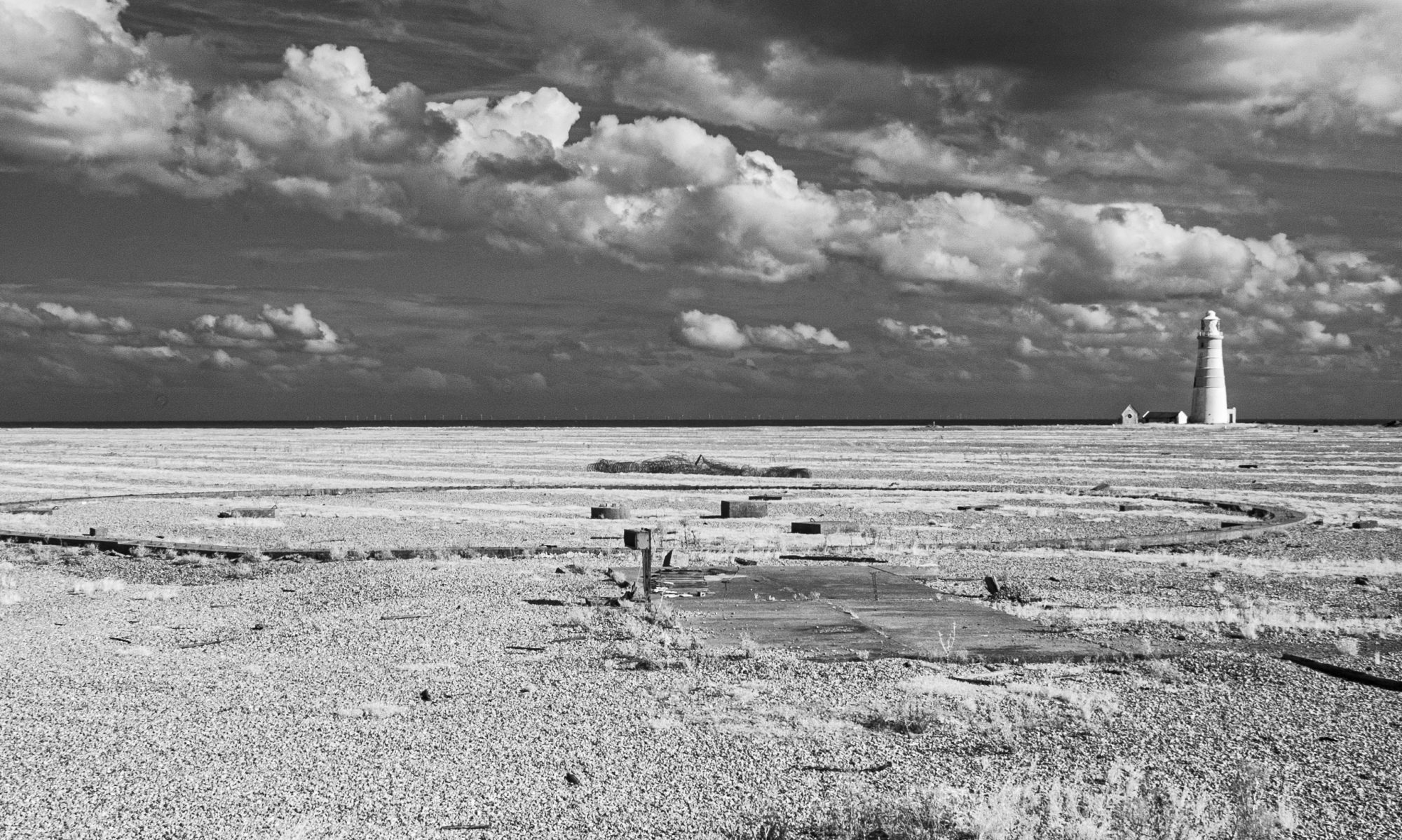
WordPress doesn’t allow iframe embedding without a plugin, so the book would have to be viewed online via a link. I ran into this issue in the previous module. How I got around this was to use the title page as an image link on my blog which I think looked satisfactory.
I’ve created text pages in PS with images of fossils. I took photos of the fossils at home then cut them out so I could position them. They need a bit of cleaning up and ultimately I will redo these pages before submitting to my tutor. I had also created a title page within LR but it seems to have ‘got lost’ during saving and conversion, so I will redo this in PS.
It was quite a labour intensive process but now that I’ve done it of course I can see how it works so doing it again will be much easier. I’m conscious that OCA may be moving towards more digital submission for assessment so I felt it was good to learn how to do this now rather than leave it ’till the end.
 Landscape, Place and Environment
I loved this. I liked the way you cut out the specimens and included them on the text pages. Exercise 5.3 asks you to mock up a book. I’d been playing with Blurb, which I find frustrating. After seeing this I’m now trying it. Thanks.
LikeLike
Flip was Liz’s recommendation. 😀
LikeLike