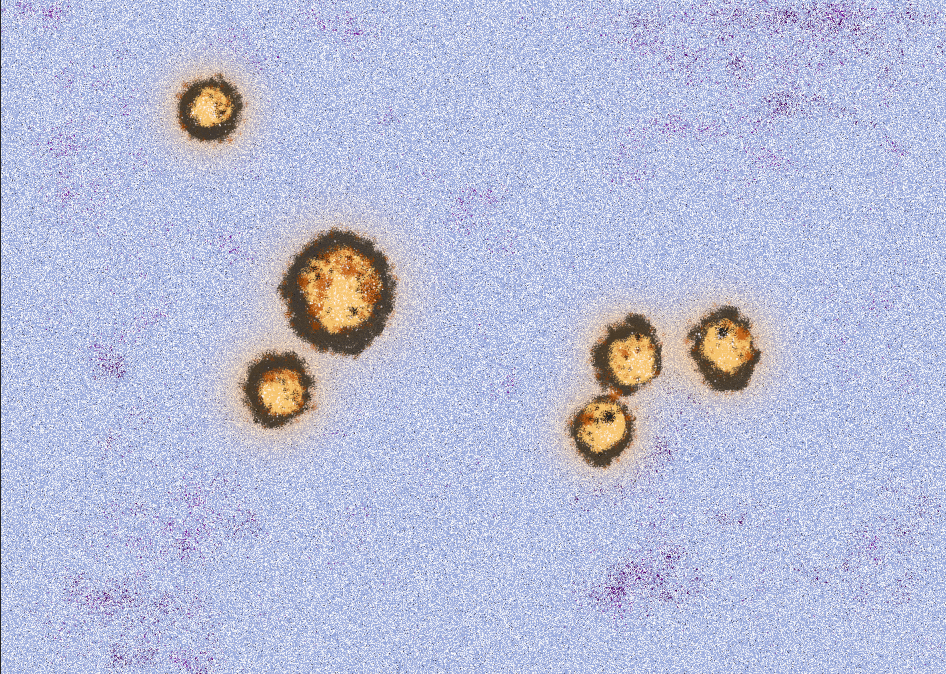
In order to propel myself out of my creative slump, I’ve decided to create a category for ‘Visual Experimentation’. One of the ideas for Assignment Six is to create something pertaining to lockdown and the Coronavirus. When I looked up the word ‘transitions’ in the thesaurus (to nudge my brain), one of the words that stood out was ‘Flux’. That’s certainly apt.
What I keep seeing is images of the virus itself, on the news for example, actually the image is everywhere. Either it is grainy microscope images or a digital model for the virus. I decided I wanted to create some images in Photoshop to use as overlays/layers for Assignment Six. If nothing else, then it’s a creative activity that should ‘take me somewhere’.
I came across some images on the National institute of Allergy and infectious diseases (NIH). Whilst the images are free to download, I felt that if I were to use for my assignment, I should create my own.
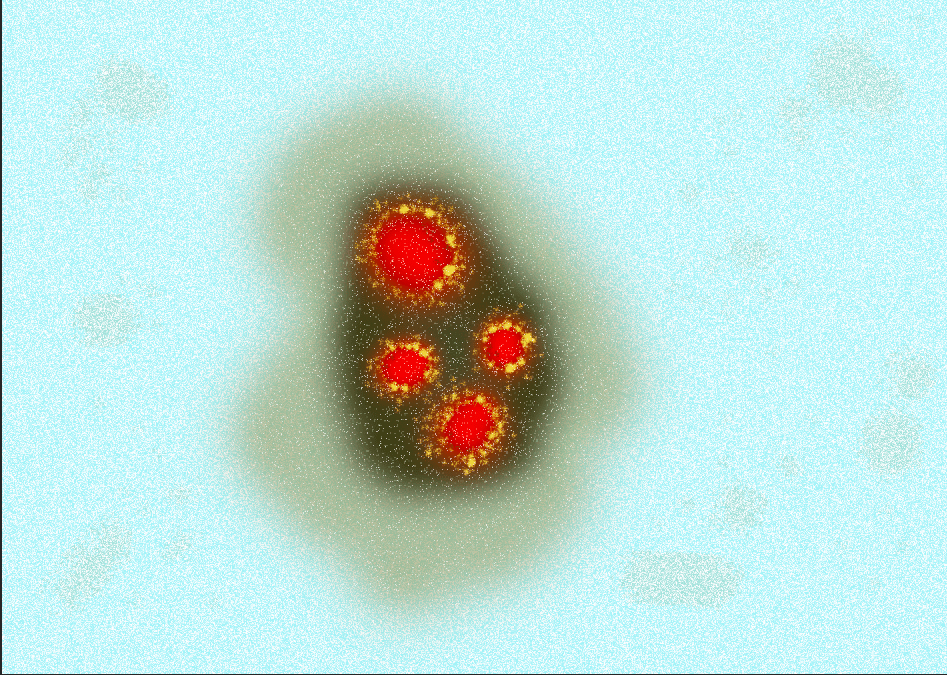
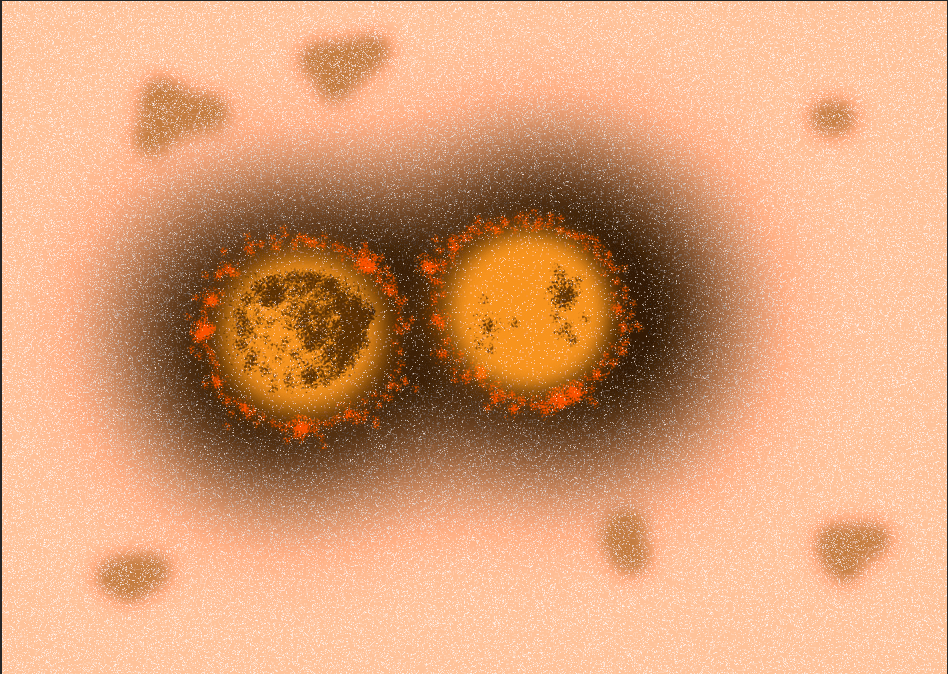
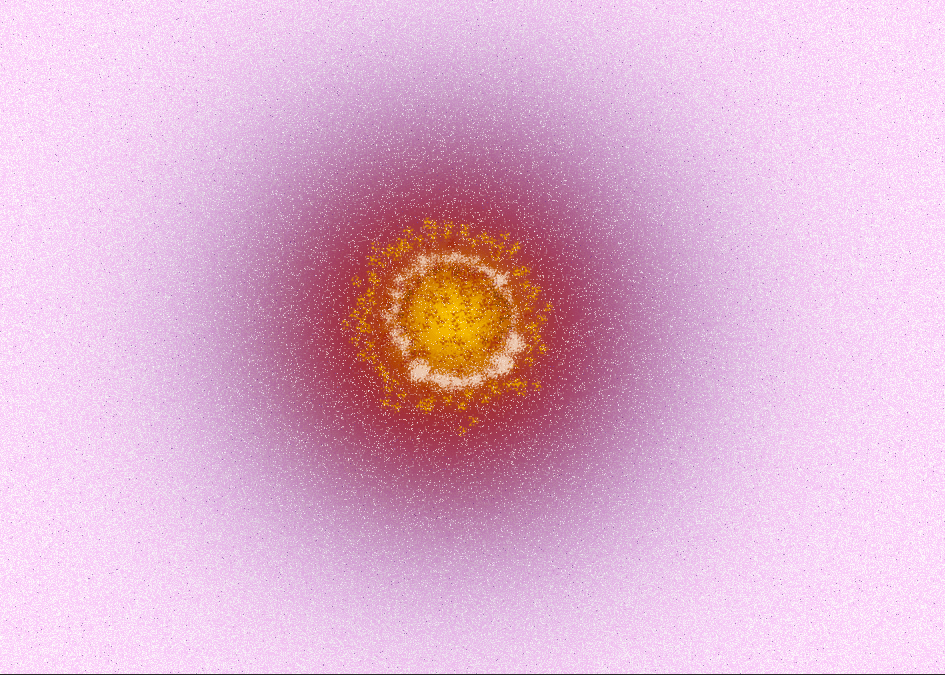
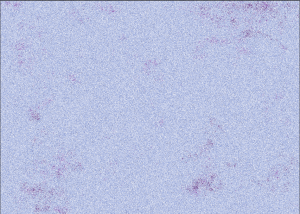
Using Photoshop, I created my first layer using a solid colour plus a white colour overlay set to ‘dissolve’ to create some texture and noise. I also added some spatters of a darker colour to create some randomness.
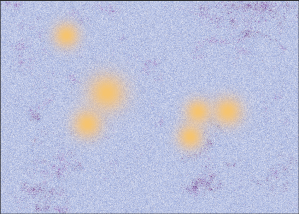
For the next layer, I created some soft circles with the paint brush.
Then I added the black circles and softened the edges with the pastel paintbrush. I reduced the opacity of this layer to 80%
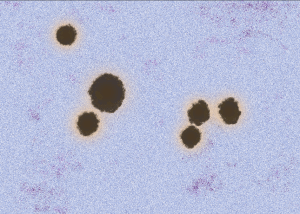
Using the same process, I added another smaller circle within the black.
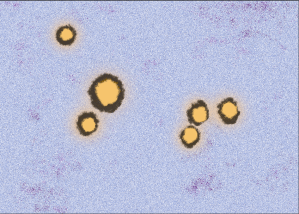
Then using the pastel paintbrush in black, white and red-brown, I added further details.
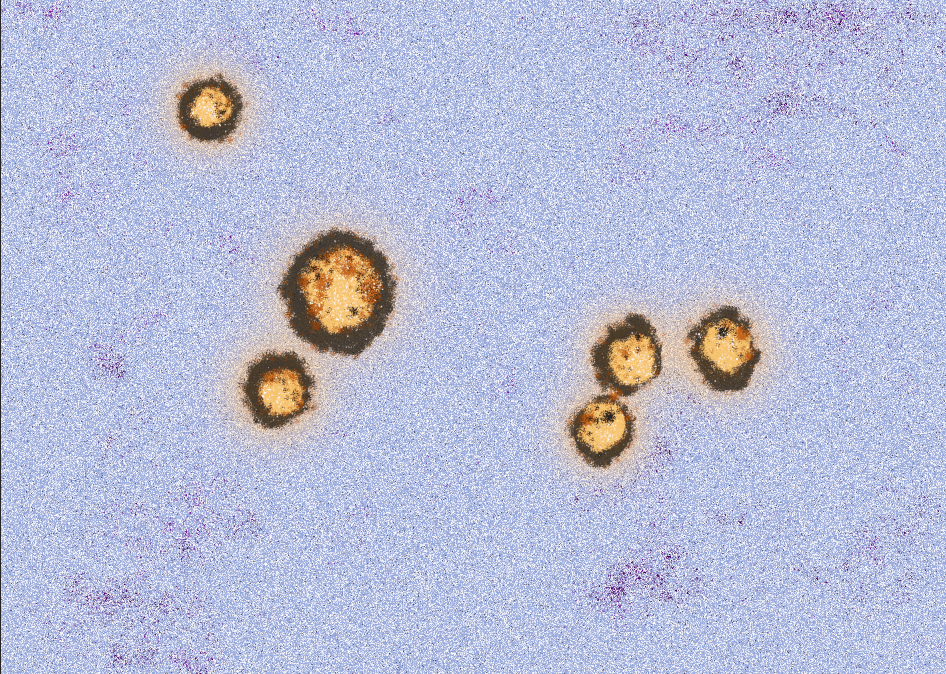
Photoshop 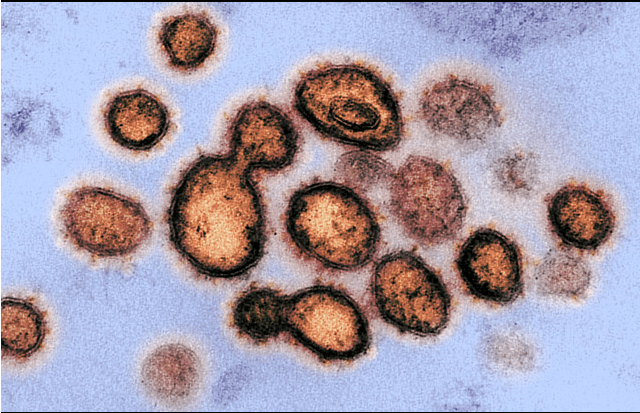
Electron microscope view from NIH website
I think it works well!
Niaid.nih.gov. 2020. New Images Of Novel Coronavirus SARS-Cov-2 Now Available | NIH: National Institute Of Allergy And Infectious Diseases. [online] Available at: <https://www.niaid.nih.gov/news-events/novel-coronavirus-sarscov2-images> [Accessed 10 April 2020].
 Landscape, Place and Environment